Picking a business bank account is one of those first jobs when you set up a company. The right account can save you time and money as you grow.
You’ve got plenty of options, from high street banks to digital newcomers. Each one comes with its own set of features, fees, and perks, so it’s worth comparing before you jump in.
Your choice really depends on how you run things day to day. Fees, how easy it is to use, and customer support can all make a difference.
1. Tide Business Account
(For Illustrative Purposes Only)
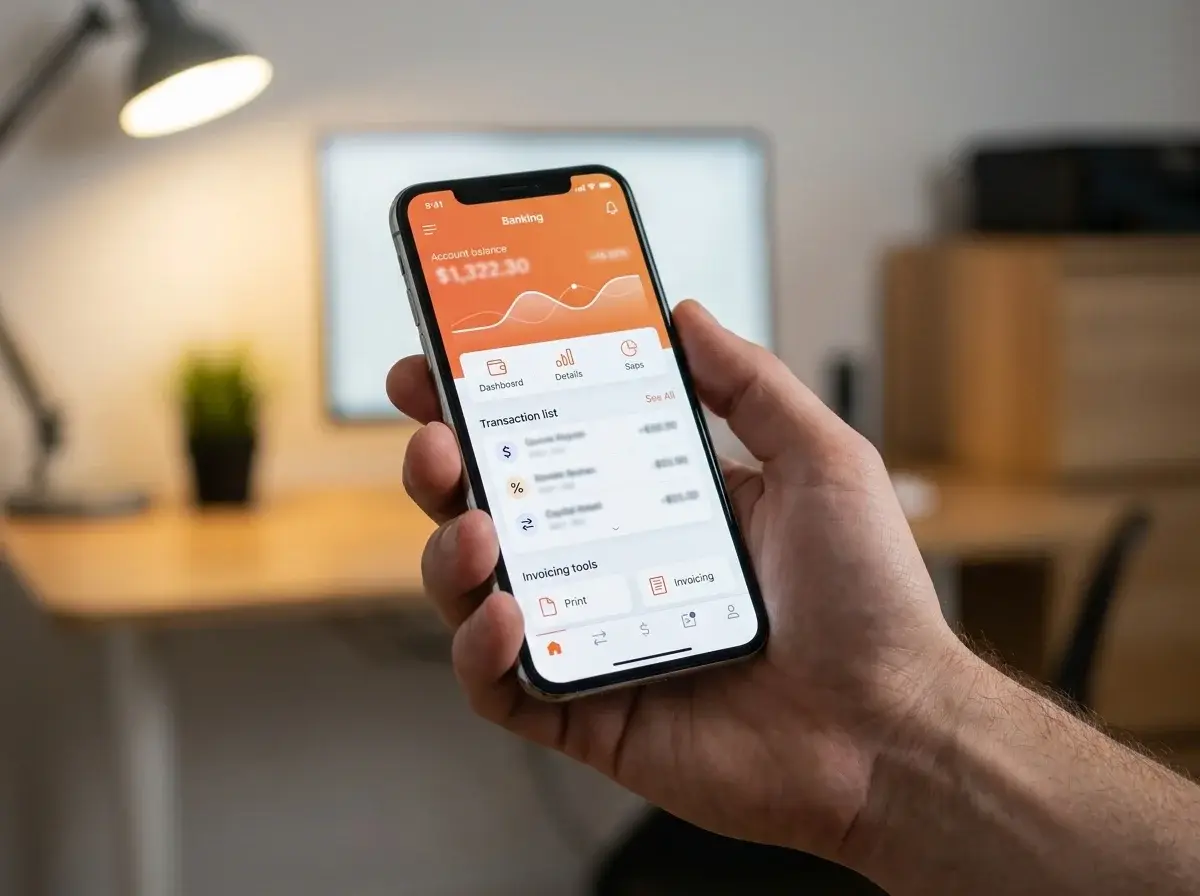
Tide is a UK-based digital bank designed for sole traders, freelancers, and small limited companies. You can open an account through the app, without stepping into a branch or waiting ages for approval.
Tide works with a UK banking partner, so the FSCS protects your money up to £120,000. New customers get five free transfers per month; after that, it’s 20p per transfer.
Lots of small business owners like Tide’s mix of banking and built-in accounting tools. You can send invoices, track expenses, and even file your confirmation statement right in the app.
Some users say customer support feels slow during peak times. The free plan covers most basics, but if your business grows, you might need to pay for extras like accounting software integration.
Pros: quick setup, low fees, handy accounting tools, and strong FSCS protection.
Cons: limited free transfers, no branches, and some people report slow support.
2. Starling Bank Business Account
(For Illustrative Purposes Only)
Starling Bank gives sole traders a free business current account, with a paid tier for limited companies. It’s a fully licensed UK bank, so your money is protected by the FSCS up to £120,000.
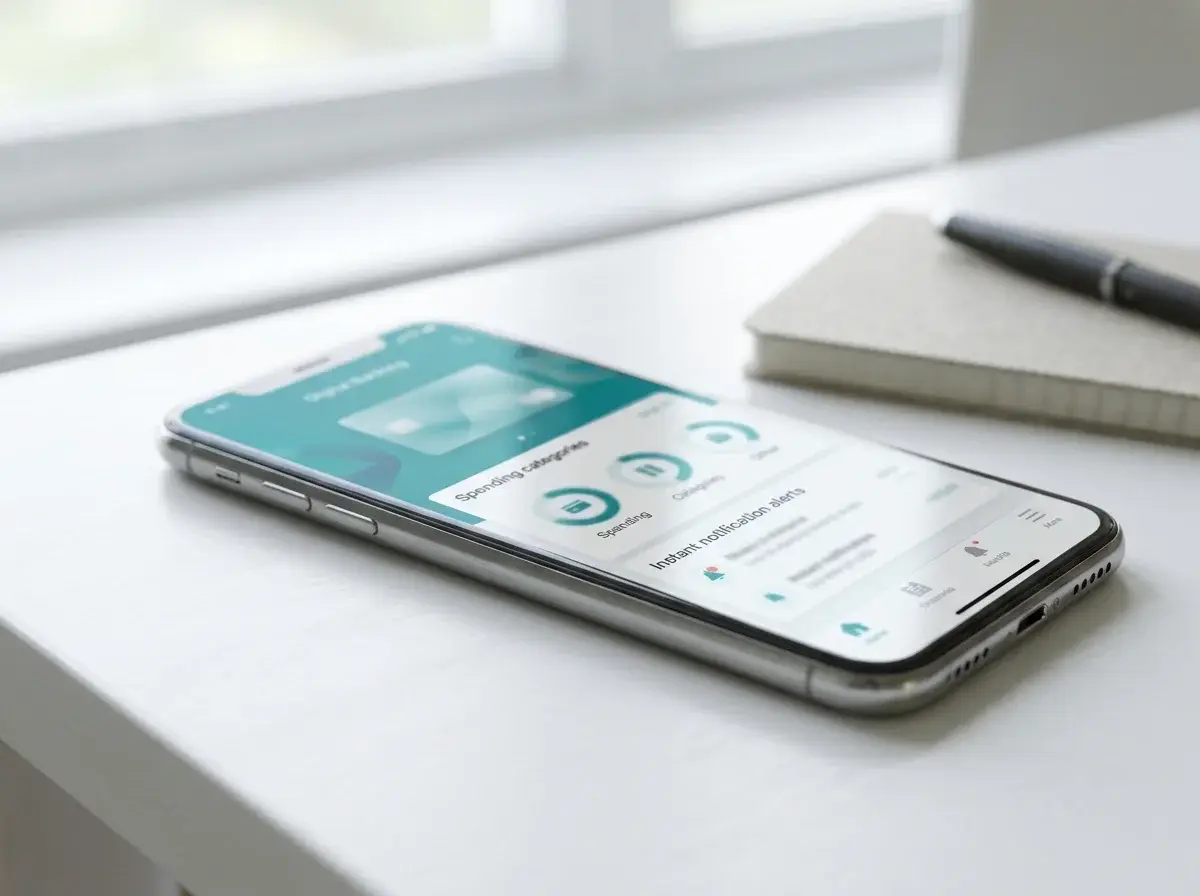
UK business owners often mention Starling’s clean app, instant spending alerts, and easy links to accounting software. You can add invoicing and bookkeeping tools if you want.
Starling doesn’t have branches, so all support is online or over the phone. Some people find cash deposits trickier than with high street banks.
3. Monzo Business Pro Account
(For Illustrative Purposes Only)
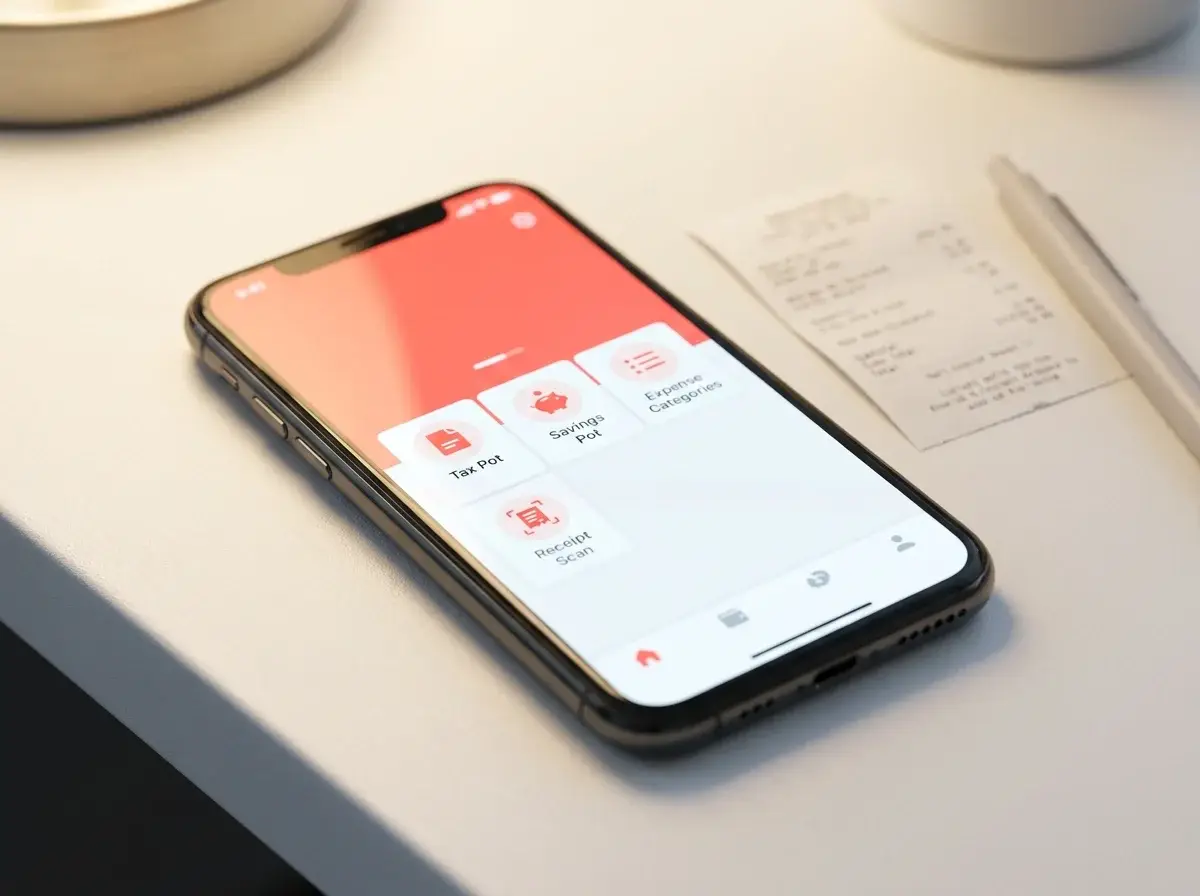
Monzo Business Pro costs £5 a month and adds extra tools to the free Monzo Business account. You get multiple pots for tax and savings, invoicing, and receipt scanning.
You can connect Monzo to accounting software like Xero and QuickBooks. Monzo is a fully licensed UK bank, so FSCS protects your deposits up to £120,000.
UK customers often praise Monzo’s clear app and fast support. The budgeting tools help many business owners keep up with tax bills.
Monzo doesn’t offer business loans or overdrafts, which can be a pain if you need extra funding with your day-to-day banking.
4. Revolut Business Account
(For Illustrative Purposes Only)
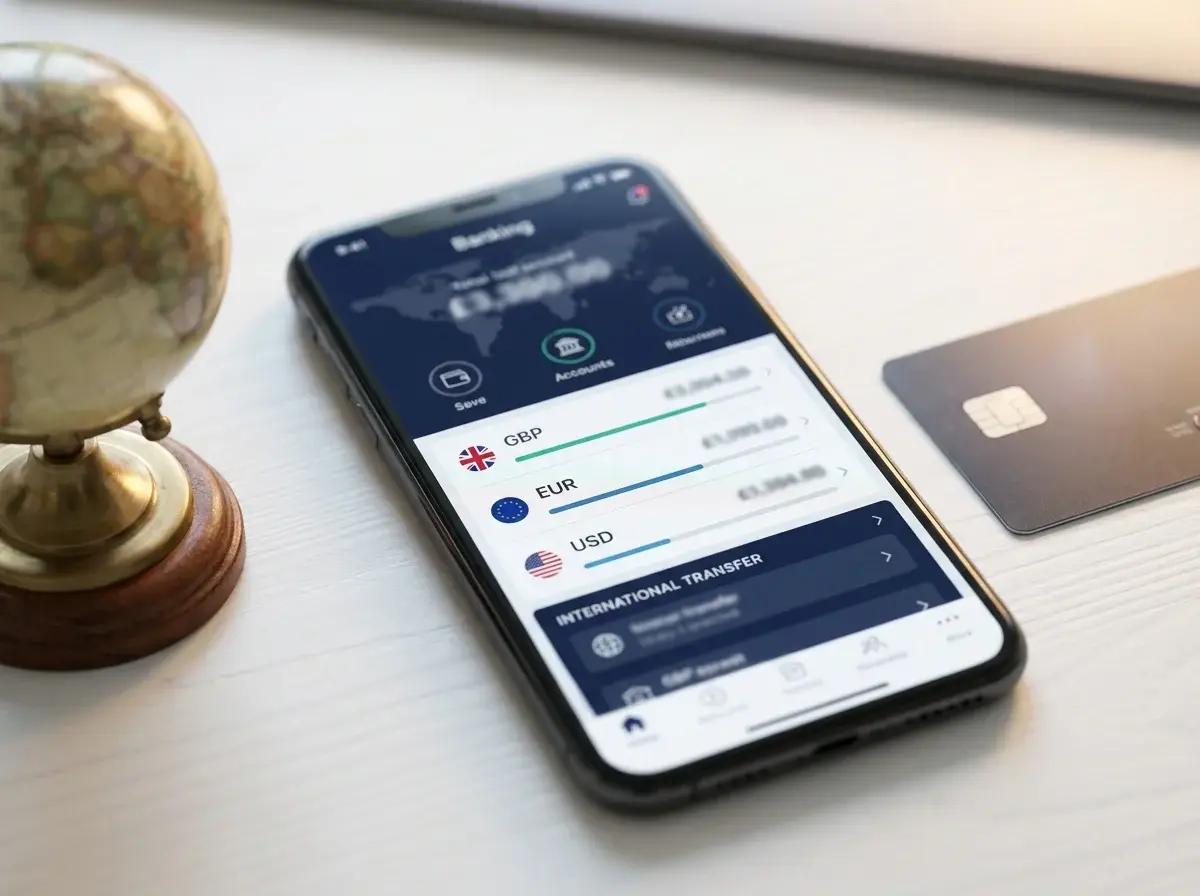
Revolut Business gives you an online account you can set up in minutes. It’s a good fit if you handle international payments or need to hold several currencies.
Many UK users like the app’s ease of use and quick sign-up. Some accounts get approved within 24 hours for UK-registered businesses.
You get fast local and international transfers. The app includes expense management tools, which help some business owners keep track of spending.
The free plan feels limited, and higher tiers get pricey once you pass your allowance. Some reviewers point out that funds might not be FSCS-protected, and customer support gets mixed reviews, especially on response times.
5. HSBC Kinetic Business Account

(For Illustrative Purposes Only)
HSBC Kinetic works well for small businesses or sole traders who want to manage money on the go. You open the account through the app in minutes, with no paperwork or branch visits.
The account links easily with accounting software like Xero and QuickBooks, so you can track income and expenses without extra hassle.
Freelancers and small business owners in the UK often mention the app’s speed and simplicity. Some say customer support feels less personal than a traditional bank, since there’s no dedicated relationship manager.
Pros: Fast setup, easy mobile banking, smart spending insights, and free banking for 12 months.
Cons: Limited in-branch support, fewer complex finance options, and it might not suit bigger or fast-growing businesses needing more hands-on help.
6. Barclays Business Account

(For Illustrative Purposes Only)
Barclays could work for you if you want to bank with a well-known name. There’s a large branch network across the UK, so you can get face-to-face help if you run into a problem that’s tough to solve online.
New customers get 12 months free of account fees, then standard charges kick in. It’s worth considering this for your long-term costs.
Pros: wide branch access, free first year, and good lending and overdraft options.
Cons: fees after year one, and it might feel less slick than digital-first accounts.
7. Lloyds Bank Business Account

(For Illustrative Purposes Only)
Lloyds is one of the UK’s biggest high street banks, offering business accounts for sole traders, partnerships, and limited companies. If it’s your first business account with Lloyds, you get 12 months fee-free; after that, charges depend on your tariff.
You can use online banking, their mobile app, and telephone banking. Lloyds also has branches across the UK if you prefer talking to someone in person.
Business owners can apply for extras like overdrafts, loans, and asset finance to help their business grow. Many like having branches to visit, but some say the fees after the free period are higher than online-only banks.
Pros: 12 months free banking, branch access, and a wide range of finance options.
Cons: Fees after the first year, and digital features aren’t as advanced as some newer banks.
Choosing The Right Account For Your Business
The best account for your business depends on how you handle money day to day and your business type. If you get these two things right, the rest of the decision tends to fall into place.
Assessing Transaction Volumes and Payment Needs
Start by checking how often you send and receive payments each month. If you make a lot of transactions, a free account with tight transfer limits might end up costing more than a paid one with unlimited transfers.
Think about the types of payments you handle. Some accounts charge extra for cash deposits, which matters if you run a shop or takeaway. Others tack on fees for international transfers, which hits if you deal with overseas suppliers or clients.
It helps to jot down a simple list before you compare:
- Average number of monthly transactions
- Need to deposit cash?
- Send or receive payments abroad?
- Need multiple cards for staff?
This list will help you dodge accounts that look cheap but sneak in fees for things you actually use.
Understanding Eligibility and Business Structure Requirements
Your business structure affects which accounts you can get. Sole traders usually qualify for basic business accounts with fewer checks, while limited companies need to provide company registration details and director info.
Some banks set minimum turnover requirements or ask for a trading history before approving an application. This can rule out newer businesses, so check the criteria before you apply.
If you have multiple directors or shareholders, some banks ask everyone to complete ID checks. That can slow things down, so it’s worth checking in advance.
Before you apply, make sure you meet these common requirements:
- UK residency or registered UK business address
- Valid ID for all directors or partners
- Companies House registration (for limited companies)
- Proof of business activity or trading history
Costs, Protection And Ongoing Account Management
Monthly costs, how your money’s protected, and how easy it is to switch all shape the real value of a business account. Here are the main details to compare.
Comparing Monthly Fees and Transaction Charges
Monthly fees for UK business accounts go from £0 for basic digital accounts to £30 or more for premium tiers. Check per-transaction charges too; sometimes those matter more than the headline fee.
Keep an eye on these costs:
- Cash deposits – some banks charge £1–£3 per deposit, others cap it or offer free deposits up to a limit
- International payments – fees and exchange rates vary a lot
- ATM withdrawals – usually free in the UK, but can cost abroad
- Extra cards – some banks charge for each card
A “free” account with high transaction charges can be pricier than a paid one if you handle cash or send money abroad often. Match the fee structure to how you actually use your account.
Financial Services Compensation Scheme Protection
The Financial Services Compensation Scheme (FSCS) protects your business funds if your bank fails. The limit is £120,000 per person, per institution, up from £85,000.
Not every provider is covered. High street banks and most challenger banks with a full UK banking licence are included.
Some fintechs keep client funds in safeguarded accounts instead of FSCS-protected ones. This means your money stays separate from the firm’s funds, but you don’t get the same compensation if the firm collapses.
Check if your provider is FSCS-protected or uses safeguarding, especially if you hold large balances. Sometimes, that matters more than fees or features.
Switching Your Business Current Account
If your bank is part of the Current Account Switch Service (CASS), switching is pretty simple. CASS moves your direct debits, standing orders, and incoming payments to your new account automatically, usually in about seven working days.
Most high street and challenger banks use CASS. Some newer fintechs don’t, so you’d have to move payments yourself.
Before you switch, check that:
- Your new bank supports CASS if you want an automatic transfer
- Your accounting software will reconnect properly
- You’ve told regular payees about any new account numbers if CASS isn’t available
Switching rarely hits your credit file, but it’s smart to review any overdraft or lending arrangements tied to your current account first.
Frequently Asked Questions
Here are some questions that tend to come up when people compare providers, stuff like which bank suits your business size or how fees and eligibility rules work.
Which bank is best for a business account in the UK?
Honestly, there’s no single “best” account. It really depends on how your business runs.
Tide and Starling are both good for small businesses and sole traders who want low fees and quick setup. Monzo Business Pro is a solid choice if you want budgeting tools built into the app.
Revolut is great if you deal with multiple currencies or trade internationally. HSBC Kinetic fits sole traders and small limited companies who want a traditional bank but like a digital-first approach.
What is the best business bank account for a small business or start-up?
Tide is often a go-to for start-ups because it’s free to open and has low transaction fees. You can set up your account in minutes using just your phone.
Starling is another strong pick for new businesses. It offers a free current account with no monthly fees, plus tools like invoicing and expense categorisation.
If you want traditional banking support along with digital features, HSBC Kinetic is worth a look. It’s built for sole traders and small companies with straightforward banking needs.
Is Starling or Monzo better for a business account?
Starling gives you a fully free business current account with strong customer service ratings. The built-in tools are genuinely useful, and you don’t have to worry about monthly fees, so it’s easier to plan your costs.
Monzo Business Pro, on the other hand, comes with a monthly fee. But you get extra features like Xero integration and multiple pots to help manage your money.
If you’re after more advanced budgeting and accounting tools, Monzo Pro might fit you better.
How do NatWest, Barclays and Mettle business accounts compare?
NatWest and Barclays are both traditional high street banks. They give you branch access, which some business owners still want for cash handling or just talking to someone in person.
Mettle is digital-only and backed by NatWest. It’s free and doesn’t charge monthly fees, but you won’t get any branch access since everything runs through the app.
If you need to visit a bank in person, NatWest or Barclays make more sense. If you’re fine with managing everything digitally, Mettle gives you a no-fee option with NatWest’s backing.
Can non-UK residents open a UK business bank account?
Yes, though, you’ll find your options are a bit more limited than if you lived in the UK. Providers like Revolut and Wise Business often accept applications from non-UK residents, as long as you can pass their verification checks.
Traditional high street banks usually have stricter rules and might ask you to visit a branch. Digital providers tend to be more flexible, but it’s always smart to check their eligibility requirements before you apply.
What fees should I compare when choosing a business bank account?
Start by looking at the monthly account fee. Some banks charge nothing, while others hit you with a flat rate right off the bat.
Next, check out the transaction fees for payments in and out. Don’t forget to look at any charges for cash deposits or withdrawals either.
If you deal with other currencies, pay close attention to FX fees. These can swing pretty wildly from one provider to another.
Also, keep an eye out for extra charges on things like international transfers. Some banks tack on fees for additional cards or even for connecting accounting software.